Why Does IPTV Keep Buffering? Causes and Complete Fixes
Buffering is the most common and frustrating issue for IPTV users. While it is easy to instantly blame the provider, the root cause is often found within the home network, the viewing device, or the Internet Service Provider (ISP).
Here is a complete, step-by-step guide to diagnosing and fixing buffering issues to ensure a smooth ZYMINEX IPTV service experience.
Experience ZYMINEX IPTV
Upgrade your entertainment with ultra-stable, anti-freeze streaming. Access premium live channels, sports, and VOD on all your favorite devices.
1. Network Congestion and Wi-Fi Instability
The number one cause of buffering is a weak or congested Wi-Fi signal. Live IPTV streaming requires a constant, uninterrupted flow of data. If multiple people in your home are downloading large files, playing online games, or streaming 4K video simultaneously, your network may not have enough bandwidth left to process a live IPTV stream smoothly.
The Fix: Always connect your streaming device directly to your router using an Ethernet cable if possible. Hardwiring completely eliminates wireless interference. If you must use Wi-Fi, ensure you are connected to the 5GHz band rather than the slower 2.4GHz band. Keep the streaming device as close to the router as possible.
2. ISP Throttling and Traffic Shaping
Some Internet Service Providers (ISPs) actively monitor network traffic. If they detect high-bandwidth video streaming (especially IPTV), they may deliberately slow down (throttle) your connection. This is extremely common during major live sporting events.
The Fix: Using a reputable Virtual Private Network (VPN) masks your traffic. When your connection is encrypted, your ISP cannot see what data you are transferring, preventing them from identifying and throttling your stream. If you suspect throttling, a VPN is the ultimate solution.
Why Does IPTV Keep Buffering
3. Outdated or Underpowered Hardware
Older Smart TVs, first-generation streaming sticks, and cheap generic Android boxes often lack the processing power and RAM required to decode modern, high-bitrate live streams. The video buffer fills up faster than the weak processor can decode the frames, resulting in continuous stuttering and freezing.
The Fix: Upgrade to a modern, capable streaming device. Check our ZYMINEX installation guide for a list of recommended devices (like the Nvidia Shield, Apple TV 4K, or the newest Amazon Firestick 4K Max) that support optimal playback. Check our guide on IPTV Works on One Device but Not Another if you suspect hardware limitations.
4. Insufficient Internet Speed
You cannot stream a 4K live broadcast on a 10 Mbps connection. Even if your internet plan advertises "Up to 100 Mbps", you may only be receiving a fraction of that speed during peak neighborhood hours.
The Fix: Run a speed test directly on the device you are using for IPTV. Ensure you have a highly stable connection of at least 15-20 Mbps for HD streaming, and a rock-solid 25-50 Mbps for 4K streaming.
Experience ZYMINEX IPTV
Upgrade your entertainment with ultra-stable, anti-freeze streaming. Access premium live channels, sports, and VOD on all your favorite devices.
5. IPTV Player Buffer Size
Some IPTV player applications allow you to adjust the "Buffer Size". If the buffer is set too low, any minor hiccup in your network will cause the stream to pause.
The Fix: Go into your IPTV application's settings and look for the Buffer Size option. Increase it from "None" or "Small" to "Large" or "Max". This allows the app to download a few extra seconds of video ahead of time, smoothing out minor network drops.
6. Server-Side Issues
Occasionally, the problem does originate with the provider. This happens most often if a specific channel is experiencing overwhelming traffic during a massive global event. A low-quality provider will have their servers crash entirely.
The Fix: A premium provider like ZYMINEX utilizes load balancing, but if one specific channel buffers, simply switch to a backup channel. Most premium providers offer multiple streams of the exact same event. If the 4K stream is struggling under immense global load, switch down to the 1080p FHD stream for stability.
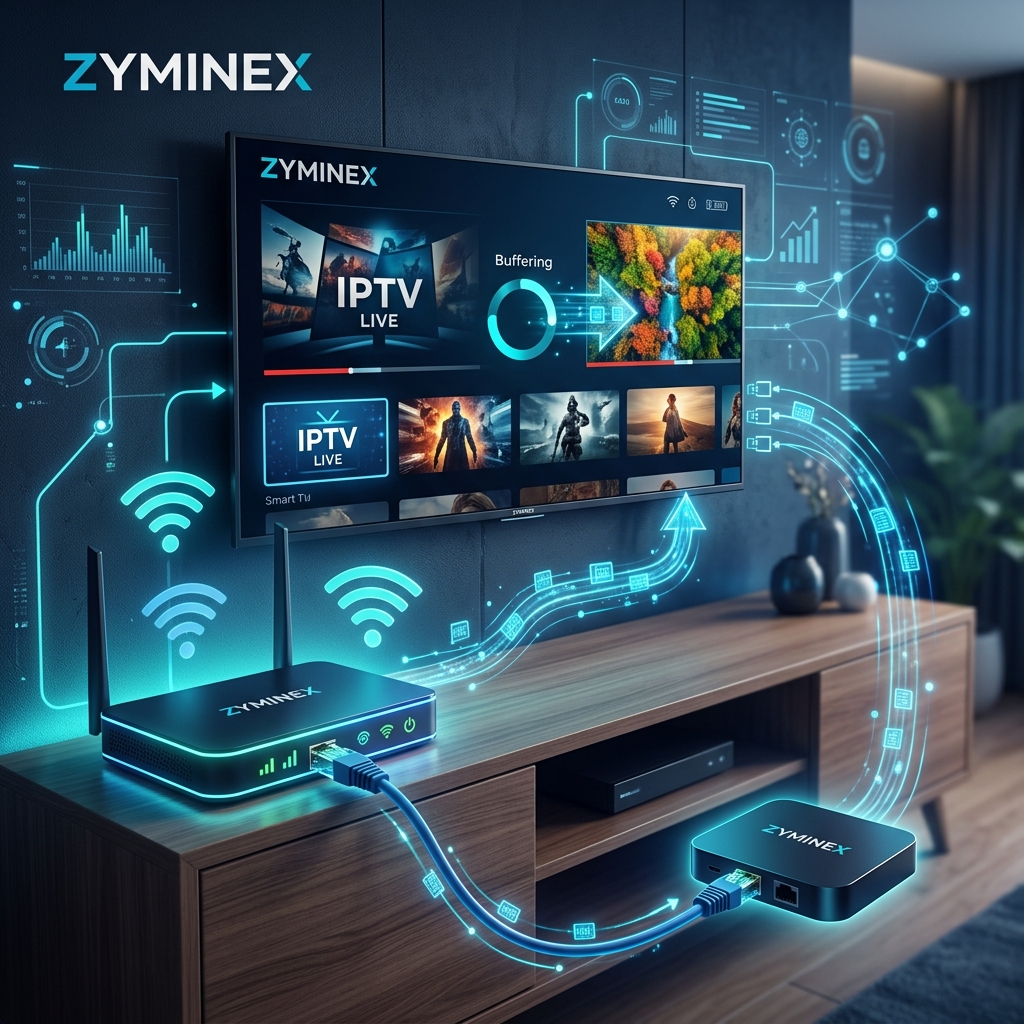 IPTV Network Wi-Fi Buffering Fix
7. App Cache and Device Memory
Televisions and streaming sticks have very limited internal memory. If a device has been running continuously for weeks without a reboot, its memory fills up with temporary app data. When the memory is completely full, the IPTV app cannot cache the incoming video data, causing it to crash or buffer heavily.
The Fix: Unplug the failing device from the wall power for 60 seconds to completely clear its memory cache. Plug it back in and try again. You can also manually clear the app cache in your device settings.
8. Multi-Connection Restrictions
Are you trying to watch the game in the living room while a family member watches a movie in the bedroom on the same basic account? If your subscription only allows for one concurrent connection, the provider's server will constantly kick one of you off, causing severe buffering and connection drops.
The Fix: Upgrade your account to allow for multiple concurrent connections. You can view the flexible multi-room options on our ZYMINEX pricing page.
 IPTV 4K Buffering Troubleshooting
Conclusion
By systematically addressing your local network, device capabilities, and app settings, you can eliminate 95% of buffering issues. Always start by hardwiring your device and running a speed test before assuming the service is down.
If you continue to experience buffering despite having a wired connection, capable hardware, and a VPN, the issue may be your provider. Explore the ZYMINEX features and consider upgrading your experience with our premium, anti-freeze optimized plans. If you are an existing customer, our contact ZYMINEX support team is available 24/7. Read our full IPTV Not Working guide for more in-depth network troubleshooting, or learn how to choose the best IPTV service for your setup.